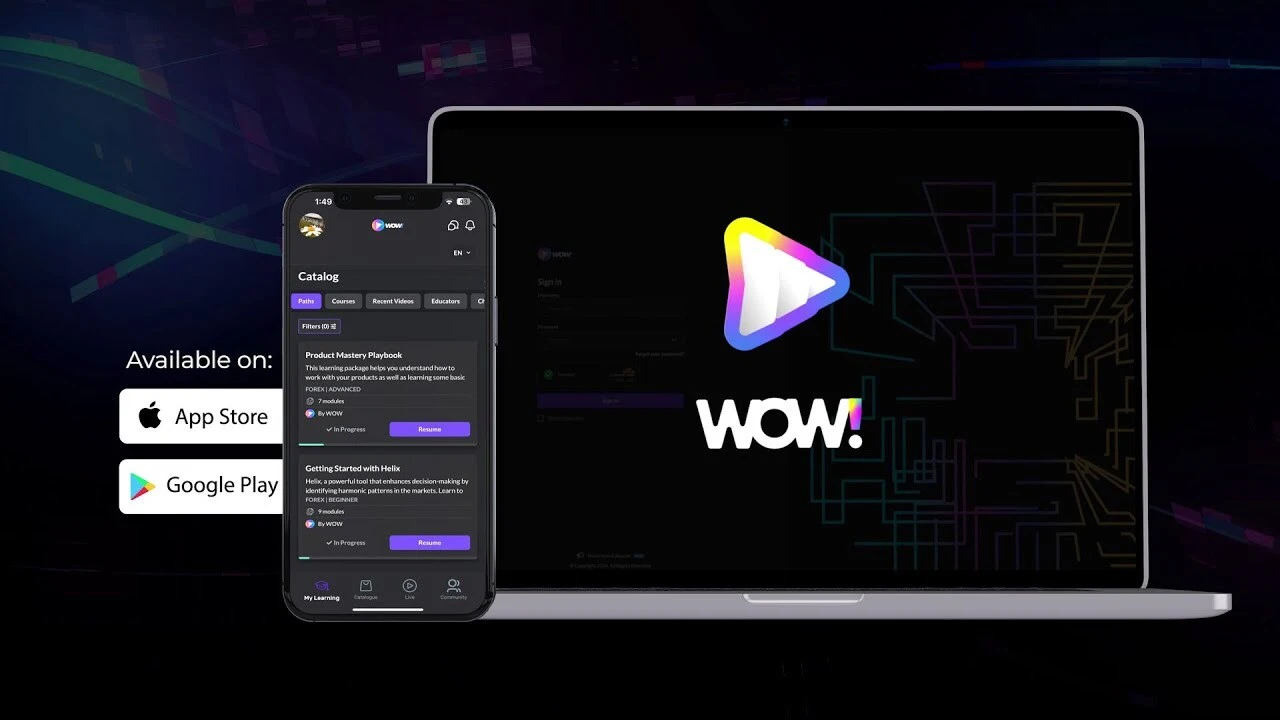
Wow Learn is part of our team's experience, built by people now on the Nexentra team before or independently of Nexentra. The Wow Learn case study shows the product itself: a video-first social learning platform where students and creators meet through lessons, live streams and community.
Why mix native screens and WebViews?
A learning platform like this covers a lot of ground: lessons, live streams, community features and commerce. Building every screen natively would have slowed the product down. Building everything as web content would have made the core experience feel sluggish.
So the app uses a hybrid architecture. The screens people use constantly are native React Native screens. Content that changes often, or already exists on the web, appears in WebViews. The aim is that people move between the two without noticing the join.
| Screen type | Used for | What it avoids |
|---|---|---|
| Native React Native screens | The screens people use constantly | A sluggish core experience |
| WebViews | Content that changes often, or already exists on the web | Building every screen natively, which would slow the product down |
Getting that right takes care in a few places:
- Navigation has to treat both kinds of screen the same way, back button included.
- Sessions have to carry across, so nobody is asked to sign in again inside a WebView.
- Deep links need to open the right place, whichever kind of screen that is.
Sessions that don't randomly expire
Authentication uses JWTs with refresh token handling. Access tokens expire on purpose, and the app quietly renews them in the background. Done well, people simply stay signed in. Done badly, they get logged out in the middle of a lesson and blame the app, fairly. Refresh logic is worth testing on poor connections and after a phone has been asleep overnight.
Watch production from day one
Datadog provides observability, with crash and performance monitoring, and staging and production are separate, environment-specific builds, so testing never touches real users.
This matters more than it sounds. A fast-moving product ships often, and every release is a chance to break something. With monitoring in place, problems show up on a dashboard before they show up in store reviews.
The rest of the foundation
- OneSignal push notifications to bring learners back to new content
- multilingual support
- deep linking into specific content
- a codebase structured to grow safely as features are added
The takeaway
Questions like "native or web?" rarely have one right answer for a whole app. They have a right answer for each screen. If you're weighing that up for your own product, it's a conversation we have early in our mobile app development projects.
- #React Native
- #App architecture
- #Authentication
- #Monitoring
- #EdTech
- #Case study